
Speed up your TV
Your TV came with apps you never asked for. They start with it, run in the background, put ads on the home screen and slow every menu down. Clean My TV switches them off from your iPhone.
Get it on the App StoreFree to download. iPhone and iPad, iOS 18 or later.
- Android TV
- Google TV
- Fire TV
- No cables, no computer


What it does
Four jobs, one app
Each one works on its own. Start with a scan: the app gives the TV a score and shows what slows it down.
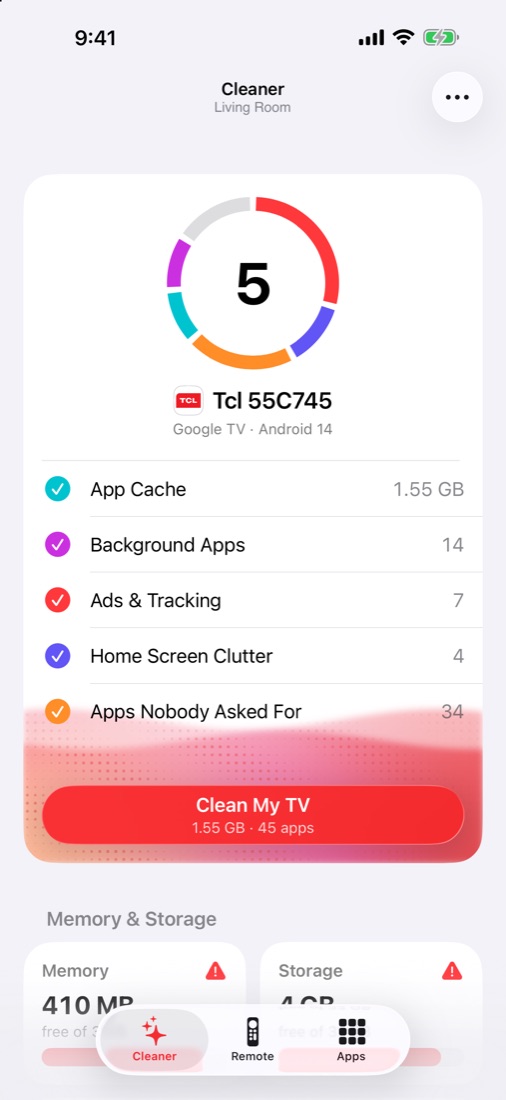
Clean and speed up
One tap clears app cache and closes apps running in the background. Then turn off the preinstalled apps you don't use, with a cleaning list matched to your TV model.
- Light, Balanced and Max Speed Up packs
- The app checks the TV still works after each change
- Undo anything from History, or turn everything back on
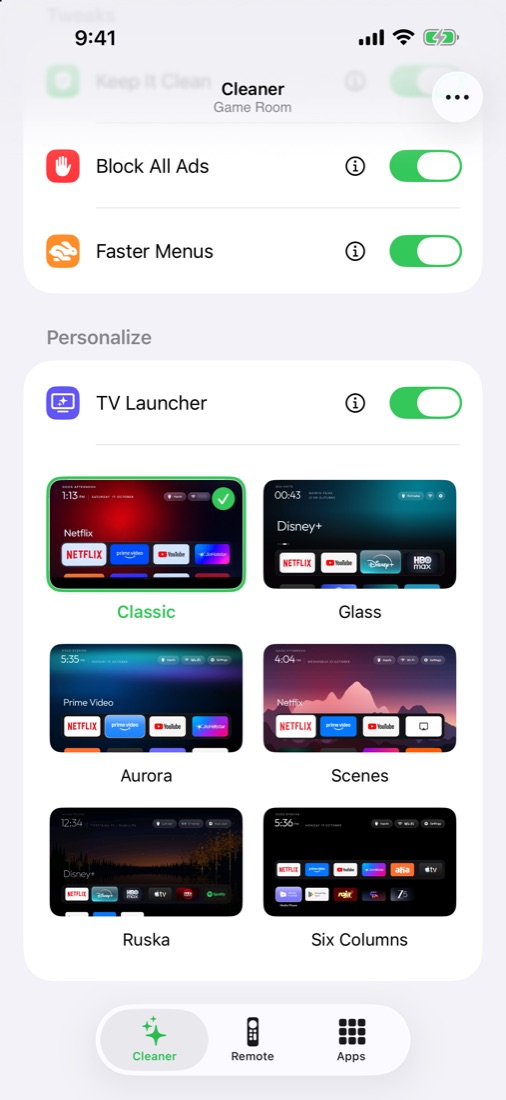
A clean home screen
Swap the stock launcher, sponsored rows and all, for a fast one with only your apps. Pick a theme, set it up from your iPhone, and switch back to the stock screen whenever you like.
- Classic, Glass, Aurora, Scenes, Six Columns and more
- For Android TV and Google TV
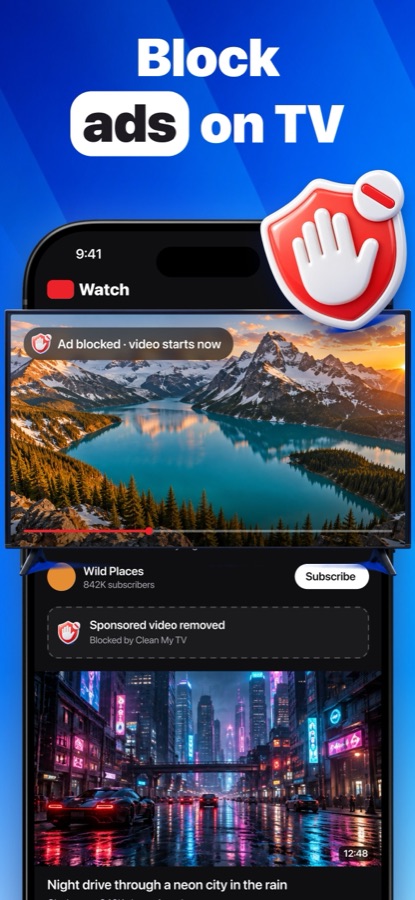
Block ads across the TV
One switch blocks ads and trackers for every app on the TV, and turns off the TV's own ad and tracking apps. Keep It Clean turns apps back off when a TV update switches them on again.
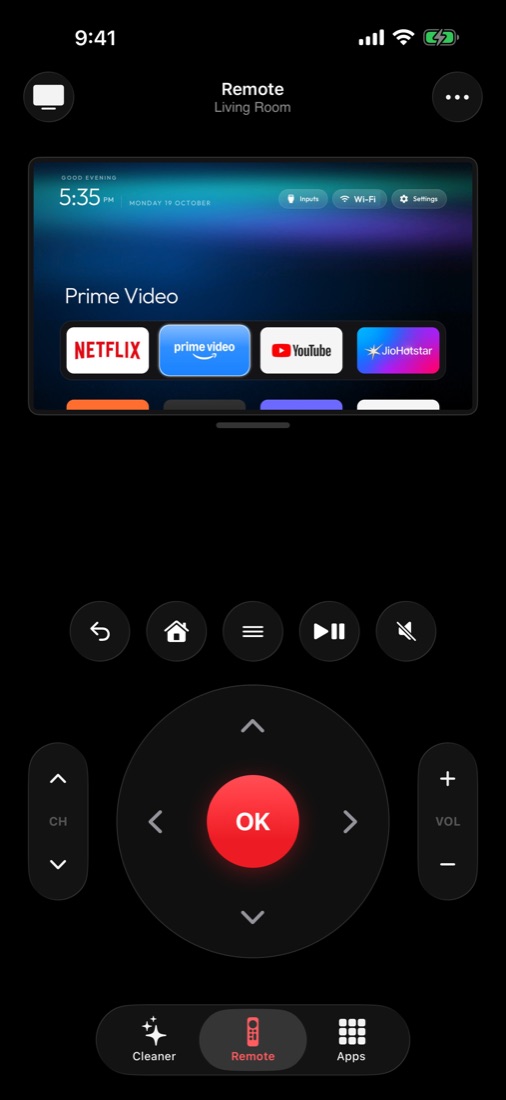
Your iPhone as the remote
D-pad, home, back, volume and play. Type on the iPhone keyboard straight into the TV, and see a live picture of the TV screen on your phone.
How it connects
Over your Wi-Fi, nothing in between
Clean My TV talks to the TV directly on your home network, using the TV's own debugging connection. Nothing goes through our servers.
Once, in the TV's developer options. The in-app guide shows where it is on your model.
The TV asks once whether to trust this iPhone. Say yes.
The app reads the TV, scores it and suggests a clean. You choose what goes.
Samsung, LG and Roku TVs run other systems, so the app can't clean them.
Guides
Fix a slow TV yourself
Step-by-step guides with the exact menu paths, with or without the app.
Give your TV a clean start
Download Clean My TV, scan your TV and see what it's been running behind your back. Cleaning cache and the remote are free.
Get it on the App Store